
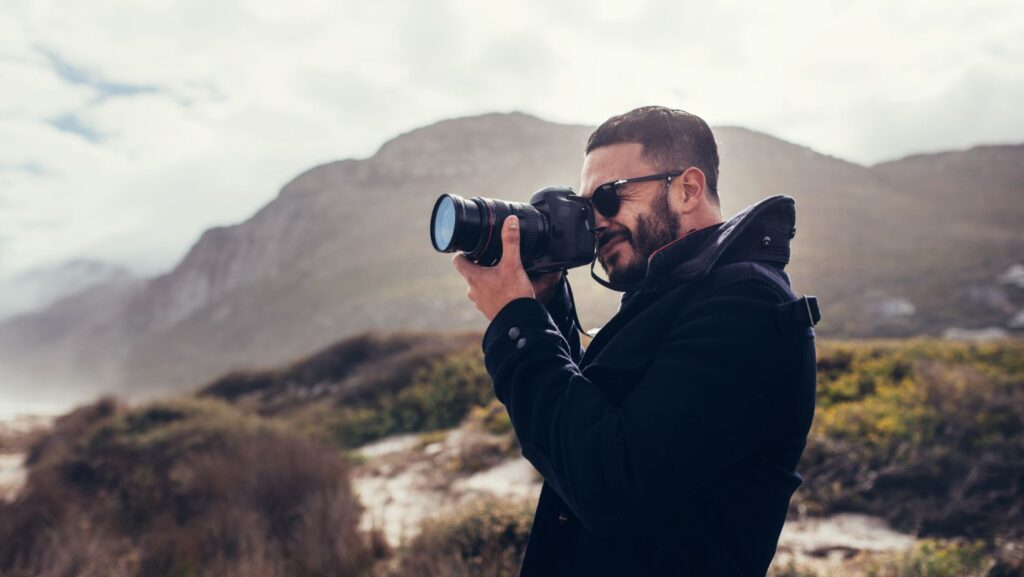
Travel and photo work rarely happens in ideal conditions. You shoot at sunrise, hop on a train, then finish the day under mixed street light. To deliver consistent results that will match your creative style, you will need reliable professional-grade editing tools. The right software accommodates real-world travel constraints: limited time, uneven light, unpredictable Wi-Fi, and a workflow that must remain reliable even when you are tired. Strong travel photo editing tools will help you maintain consistent colors across locations, quickly remove distractions, and export client-ready images without second-guessing every frame.
In this guide, we compare several top options from a travel pro’s perspective. We will compare their speed, portability, consistency, and how easy they make it to stay on-brand, even in the most unpredictable conditions.
1. Luminar Neo
What do photographers use to edit photos? In travel photography, you will need a tool that can handle the messy reality: a foggy morning in the mountains, harsh noonlight in a market, and then neon at night. Luminar Neo can satisfy this need with quick AI-based adjustments and customizable Luminar presets. You can build a signature grade for a destination and apply it as a starting point across the whole set. Then, slightly fine-tune your hero shots and enjoy your perfect travel gallery.
Luminar Neo is offered as a one-time purchase with three perpetual options: $119 (Desktop License), $159 (Cross-device), and $179 (Max). It supports Windows and macOS on desktops, and the Cross-device/Max plans include the mobile app for iOS, Android, and ChromeOS. It can run standalone or as a plugin (e.g., Photoshop/Lightroom Classic).
| Pros | Cons |
| Consistent visual styles across different cities and lighting conditions. | You still need taste and restraint to avoid unrealistic looks. |
| Cross-device plans help when you start on a desktop and continue on a mobile device between moves. | If your workflow relies on in-depth cataloging, you may prefer to pair it with a library-first tool. |
| The plugin support helps when you want Neo’s look tools, but finish elsewhere. | Large RAWs on older laptops can slow you down. |
2. Darkroom
Darkroom is one of the best photo editing apps for Mac for travelers. You can review, adjust, and export without building a separate catalog or importing files into a new library. The seamless iCloud integration lets you select a few frames on your phone, refine them on iPad later, then finish and export on your Mac when you are back at the hotel.

Darkroom+ is priced at $9.99/month, $39.99/year, or $99.99 for a lifetime license (prices vary depending on your region). It runs on iPhone, iPad, Mac, and also supports Apple Vision.
| Pros | Cons |
| It supports Smart Albums, so you can automatically group travel selects by camera, lens, rating, or date. | Apple ecosystem only, so it won’t suit mixed-device teams. |
| Batch processing and copy/paste style edits speed up delivery. | Heavy composites or complex layered work require a more advanced app. |
| Preset syncing helps maintain a consistent look across iPhone/iPad/Mac. | If you need strict folder-based asset management outside Photos, it can feel limiting. |
3. Photo Mechanic Plus
Travel photography editing typically involves transitioning from cards to selects, including filenames, captions, and client-ready exports that remain intact throughout the trip. Photo Mechanic Plus may have a limited creative post-processing toolkit, but it has impressive organizational capabilities.
Photo Mechanic Plus is available on macOS and Windows, with pricing available on the official Camera Bits store: $24.99/month or $249/year (subscription), or $399 as a one-time purchase (includes 1 year of updates/support).
| Pros | Cons |
| Lightning-fast culling keeps you moving within tight deadlines. | There are no tools for fixing color inconsistencies or advanced retouching. |
| Captions/keywords baked in early means cleaner deliveries to editors, agencies, and clients. | Subscription options do not have a trial period on the purchase page, so plan your test via the free-trial route. |
| It supports contact sheets and the Preview window with keyboard shortcuts for rapid culling and rating. | If you only shoot small, personal sets, it can be overwhelming. |
4. RAW Power
Travel photo apps like RAW Power are especially useful when you want precision in the field: recover highlights from bright skies, lift shadows in narrow streets, and maintain stable color across days of changing weather without switching to a heavyweight studio setup. Use it when you are shooting RAW on the move, and you want serious control without dragging a full desktop workflow everywhere.
RAW Power for Mac is listed at $39.99 (one-time purchase) and runs on macOS (the listing notes 10.14+). The iPhone/iPad version is listed at $14.99 (one-time purchase) and supports iOS/iPadOS. Since it is Apple, prices may vary depending on your account and region.
| Pros | Cons |
| A strong RAW control in a compact, Apple-native workflow. | Apple-only ecosystem, so it is not ideal for mixed-device teams. |
| You can keep ratings/flags and a consistent library while moving between devices. | The toolkit is insufficient for complex editing tasks. |
| Quick and realistic adjustments without a heavy catalog setup. | It has a smaller ecosystem of presets and plugins/plugins and fewer third-party tutorials, compared to advanced software. |
Conclusion
The ideal software for travel photographers should help them tackle the inconsistencies caused by unpredictable shooting conditions without compromising their unique creative style. Test different software, choose what fits you best, and be ready to preserve the energy of various places in pictures!
More Stories
How Hua Hin Became Thailand’s Favorite Escape for Foreign Homeowners
Why Smart Homes Are Becoming Phuket’s Hottest Selling Point
Prevent Mobility Problems Before They Start: Why Home Lifts Matter for Aging in Place